
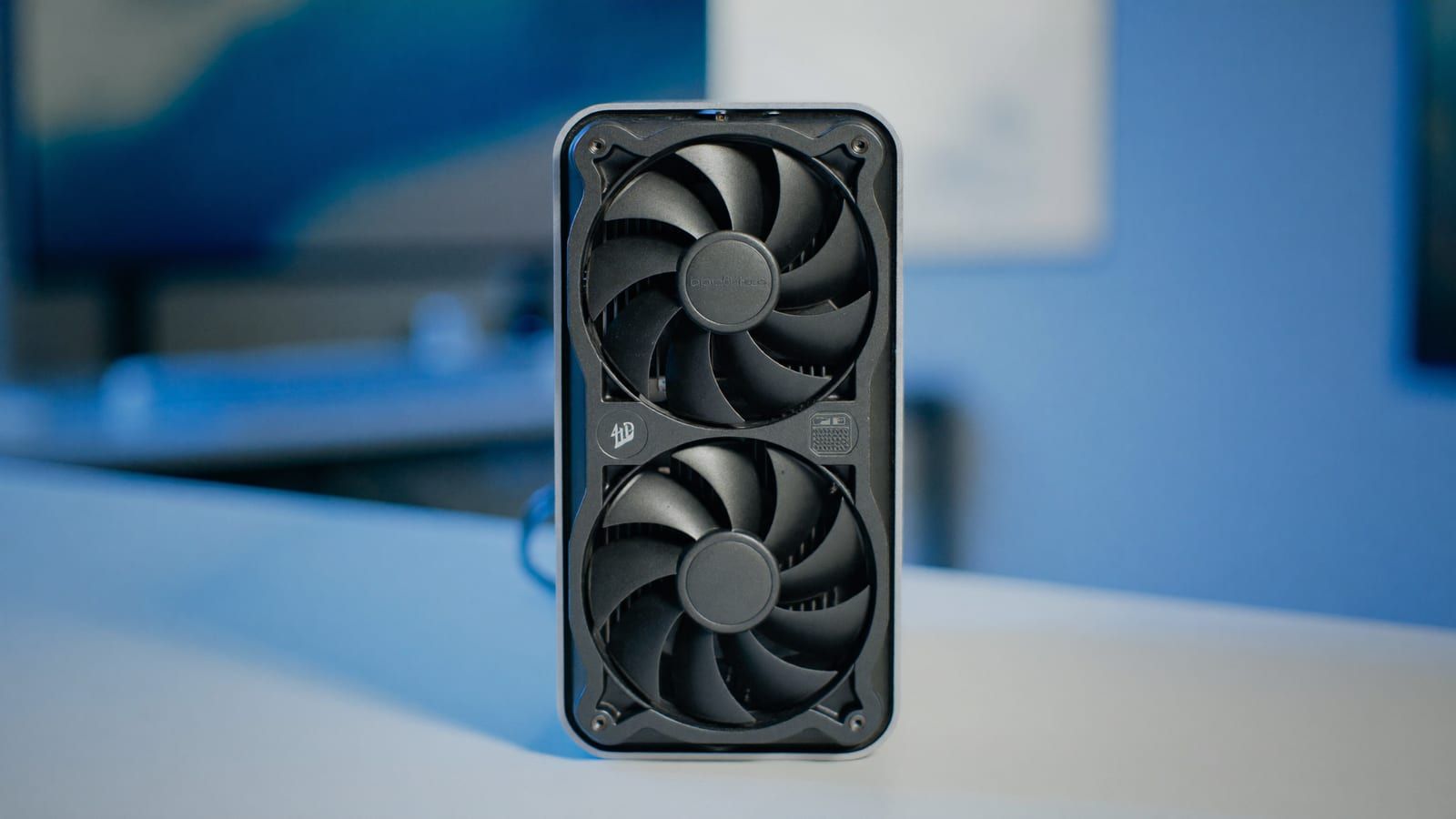
For enthusiasts who recently invested in an Intel Arc graphics card for artificial intelligence workloads, the landscape in 2026 has shifted significantly. While the hardware is capable of running local Large Language Models (LLMs) with impressive efficiency, the software ecosystem has undergone a critical transition that many online guides have failed to reflect. The most important update for users is that the traditional inference library, IPEX-LLM, was officially archived by Intel in January 2026. Consequently, following older tutorials that rely on this deprecated toolchain is no longer a viable strategy. Instead, the current standard for high-performance local AI on Intel hardware is the Vulkan backend, integrated within the llama.cpp framework. This approach is not only more stable but also significantly faster than the legacy SYCL routes previously recommended in outdated documentation.
The Shift to Vulkan and llama.cpp
The primary reason for the confusion among new users is the prevalence of search results that still prioritize IPEX-LLM. Since Intel has stopped maintaining this library, any setup relying on it is effectively a dead end. The modern solution is to utilize llama.cpp with its Vulkan backend. This is the same underlying engine that powers popular front-end applications like Ollama and LM Studio. By using Vulkan, users bypass the need for complex manual configuration of Intel-specific libraries. The performance gain is substantial, with community benchmarks indicating that the Vulkan path is roughly twice as fast as the old SYCL method. This makes it the definitive choice for anyone seeking a responsive local AI assistant without the overhead of legacy software.
Step-by-Step Setup Guide
Setting up a local AI environment on an Intel Arc card in 2026 is straightforward if you follow the correct sequence. The first and most crucial step is to ensure your Intel Arc drivers are fully updated. Many performance issues and fallback errors are simply the result of outdated driver versions. Once the drivers are current, you can proceed to install your preferred interface. Ollama offers a streamlined, terminal-based experience that allows users to pull and run models by name with a single command. Alternatively, LM Studio provides a graphical user interface with a built-in model browser, which is ideal for users who prefer a click-based workflow over command-line inputs. Both applications automatically detect the Arc GPU and utilize the Vulkan backend, ensuring you are on the optimal performance path without additional configuration.
It just works, and it's roughly twice as fast as the old SYCL route the archived guides push.
Model Selection and VRAM Management
When selecting a model for an Intel Arc B580, which features 12GB of VRAM, it is essential to match the model size to the available memory. The card is best suited for entry-to-mid range local AI tasks, specifically handling 7 to 9 billion parameter models with ease. Popular choices include Llama 3.1 8B and Qwen3 8B, typically quantized to Q4_K_M format. These models run smoothly and provide a snappy experience for chat, coding assistance, and summarization tasks. While the B580 can stretch to run quantized 14B models if the context window is kept modest, it is not designed for massive 30B+ models. Users should monitor GPU usage in Task Manager or a system monitor to confirm that the Arc GPU is handling the workload rather than falling back to the CPU. If the GPU remains idle during generation, it is a clear indicator that the drivers need to be rechecked or updated.
Performance Expectations and Value
In terms of raw performance, the Intel Arc B580 via the Vulkan path performs in the ballpark of an NVIDIA RTX 3060. While NVIDIA’s CUDA ecosystem remains the most optimized and plug-and-play solution for high-end AI, Intel offers a compelling value proposition. The 12GB of VRAM at a budget price point makes the Arc B580 an excellent choice for private assistants and small-scale local LLMs. The trade-off is a slightly less polished software experience compared to CUDA, but for a home rig, this is a worthwhile exchange. The community consensus is that the Vulkan path closes the performance gap significantly, making Intel a serious contender for budget-conscious AI enthusiasts. By skipping the deprecated IPEX-LLM and embracing the Vulkan backend, users can unlock the full potential of their hardware in 2026.

Conclusion
Running local AI on Intel Arc hardware in 2026 is a viable and efficient process, provided users avoid the pitfalls of outdated software recommendations. The key is to update drivers, utilize the Vulkan backend through Ollama or LM Studio, and select models that fit within the 12GB VRAM limit. This approach ensures a stable, fast, and cost-effective local AI experience. As the ecosystem continues to evolve, staying informed about current best practices will help users maximize their investment in Intel’s AI-capable graphics cards.